Local browser
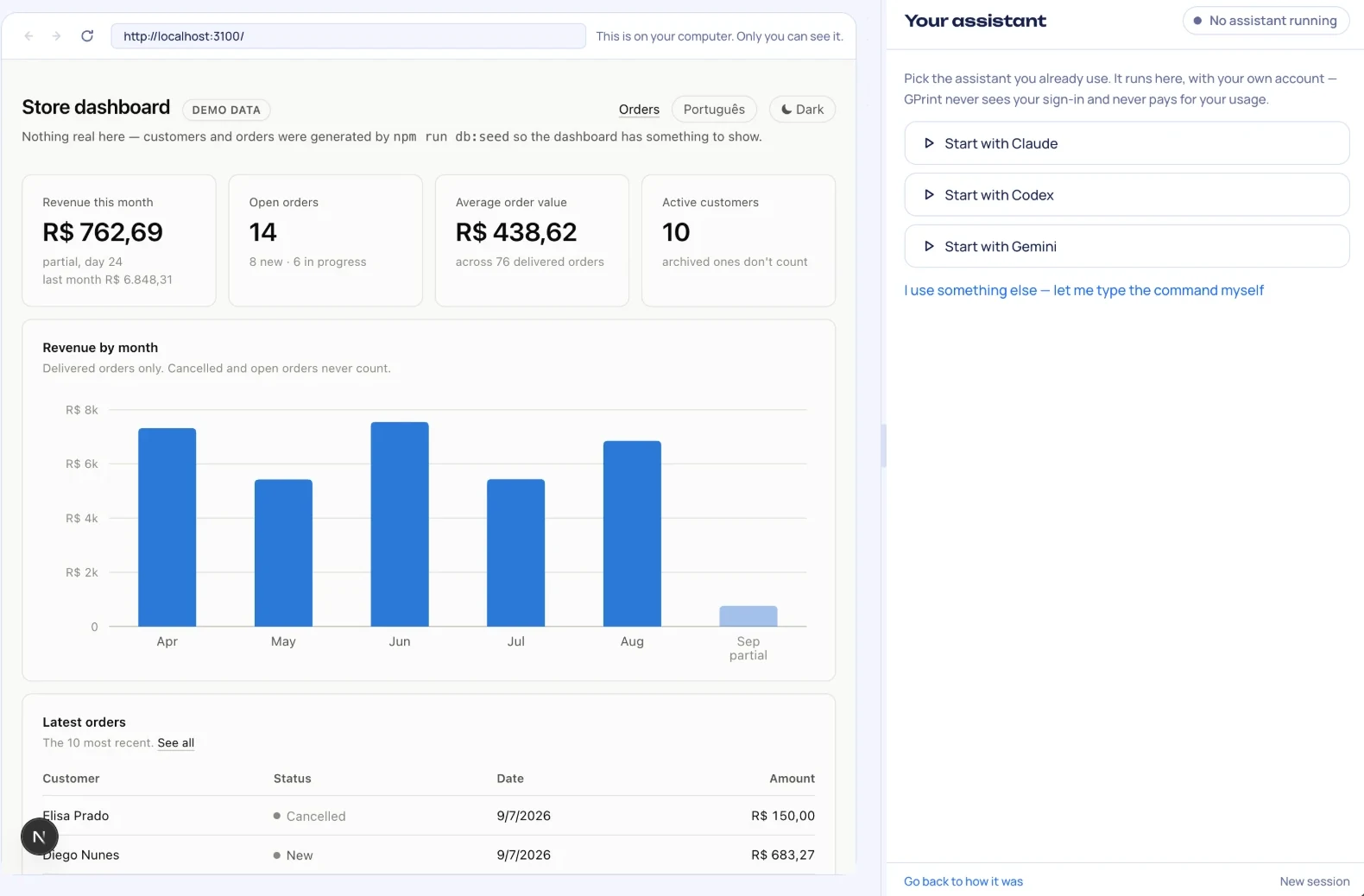
Watch your app get built. Your AI writes it, and a real browser next to it shows every change as it happens. The AI checks its own work there, before you have to.

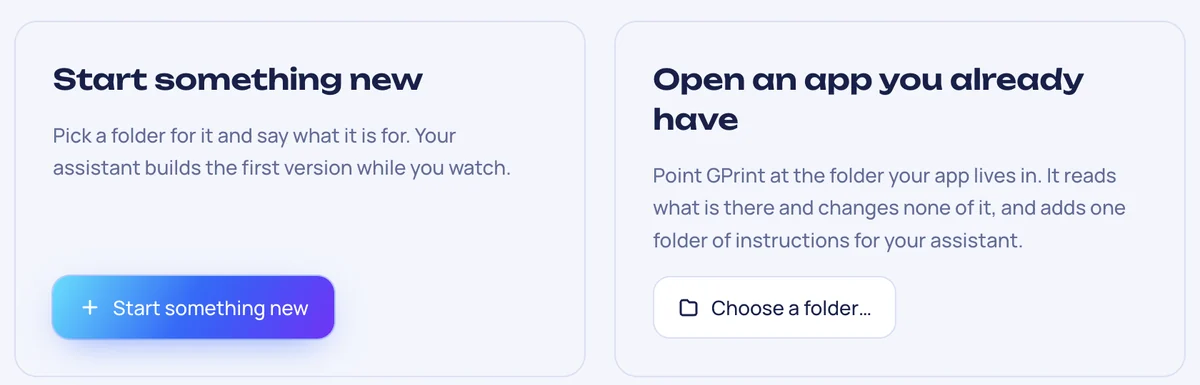
Cloud builders rent you their AI and keep your app on their servers. GPrint runs on your Mac or Windows PC with the AI you already pay for, and the app it builds is yours: a folder, your data, your own address online. No coding.
Free while in early access · macOS 13 or newer · Apple silicon and Intel
7 days free, then US$4.99 a month. Cancel any time · macOS 13 or newer · Windows 10 and 11, Intel/AMD and Arm (beta)
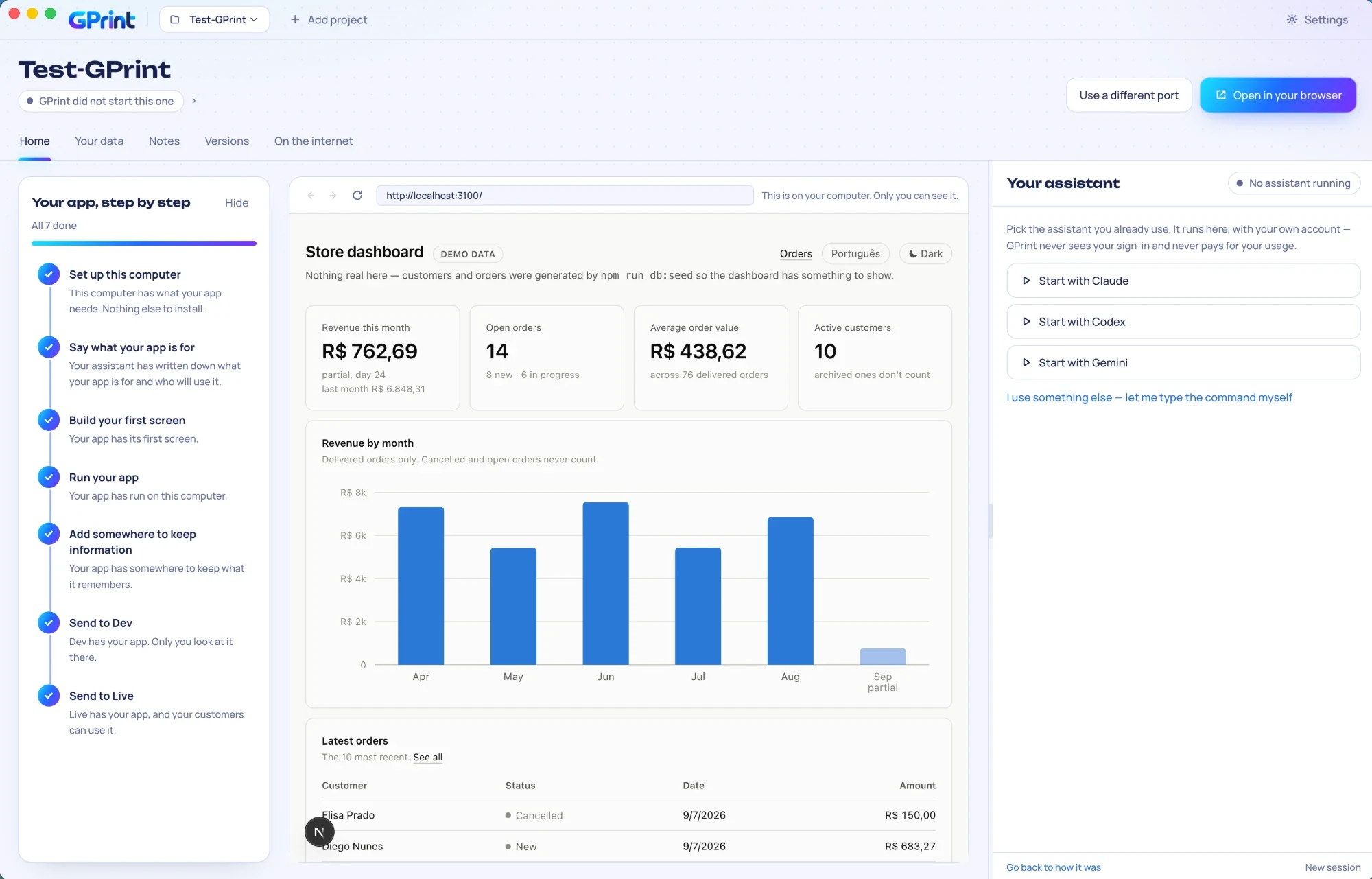
Watch your app get built. Your AI writes it, and a real browser next to it shows every change as it happens. The AI checks its own work there, before you have to.
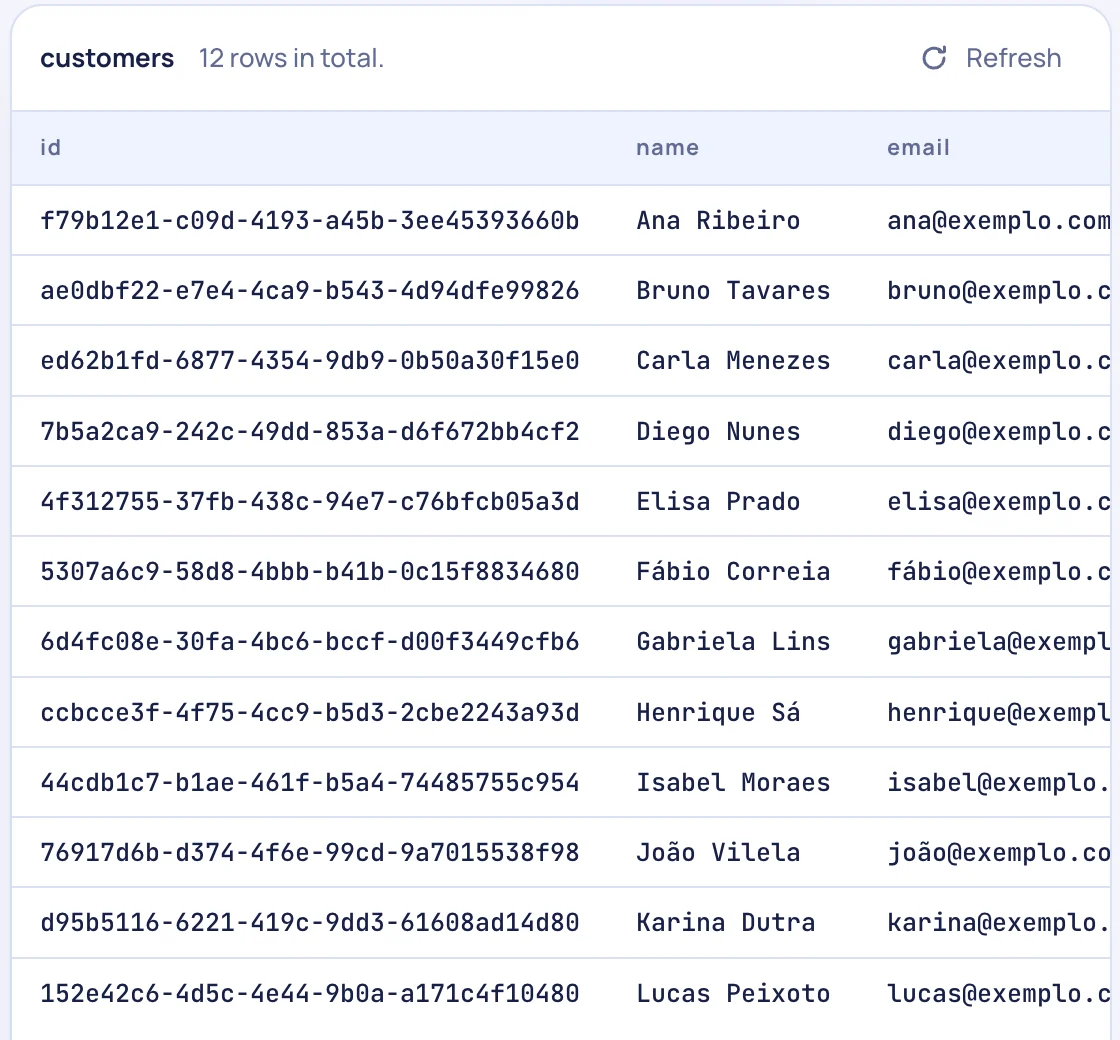
See everything your app knows. Customers, orders, bookings, in a plain list on your computer. Sort it, search it, and switch to what real customers are putting in.
Put it online with one button. Local is your computer. Dev is a private copy to check. Live is for customers. Nothing goes live half-done.

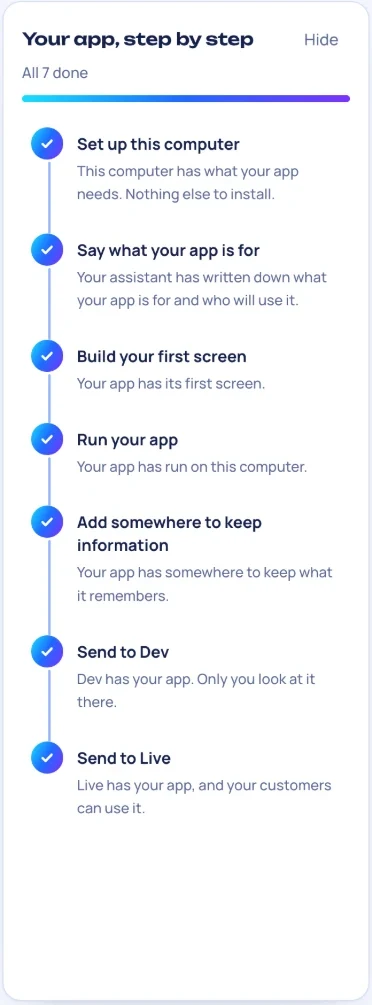
GPrint ticks each one when it can see it is done.
GPrint has no server holding your work. Your app, your data and your AI stay on your computer, and what goes online goes to accounts you own.
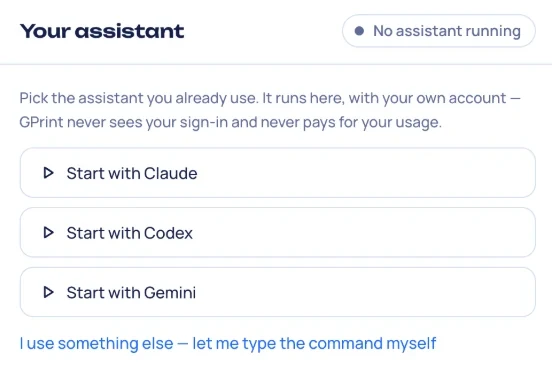
Your AI runs under your own login and plan. GPrint never sees it and never pays for it.
Your app lives on your computer. Open it in anything, hand it to a developer, or leave.
No copy of your app, data or prompts on our side. Test data on your computer is never sent online.
GitHub and Railway sign-ins are encrypted by your computer — the keychain on a Mac, Windows' own data protection on a PC — and never sent to us.
Your app runs in a sandboxed browser, cut off from your files and your keys.
On a Mac, every download and update is signed by us and notarised by Apple. The Windows version is a beta and not signed yet, so Windows asks you once before it runs.
What leaves your computer: crash reports (scrubbed, and off with one switch), a licence and update check, and the accounts you connect. Every detail.
Short videos that show every step, and the decision behind each one. New ones as they come out.
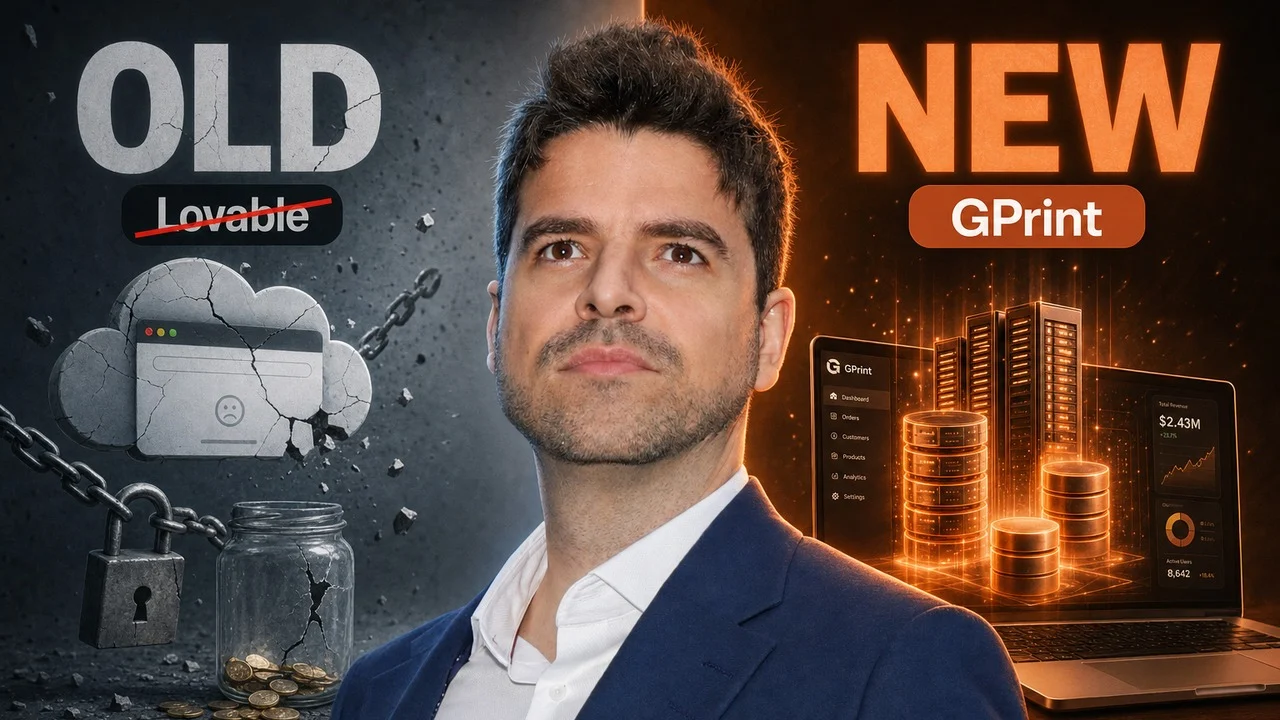
Stop paying for AI credits: The new way to build real apps
One subscription is for one person, on up to two computers, Mac or Windows. Cancel from inside GPrint; it keeps working until the end of the month you paid for.
No. You describe what you want in plain words. Your AI writes the code, and GPrint shows you what it built.
Claude Code, Codex or Gemini, on the plan you already have. If you use something else, you can type its command.
On your computer, in a folder, until you choose to put it online. Online, it runs on your own Railway account.
Yes. Your app is a normal folder. Nothing is locked inside GPrint.
Windows, yes: Windows 10 and 11, as a beta for now. Linux comes later.
Open Settings in GPrint on a computer where it is active and the key is shown there.
Otherwise email g@greis.uk from the address you subscribed with.
7 days free, then US$4.99 a month. Cancel any time.
Start your free trial